Draft, Live and Published
Tracks, posts and collections each have one of three states. The state decides who can see the piece and whether Sonic Grid shows it to anyone. It is the same control in all three editors: the colored pill in the top bar.
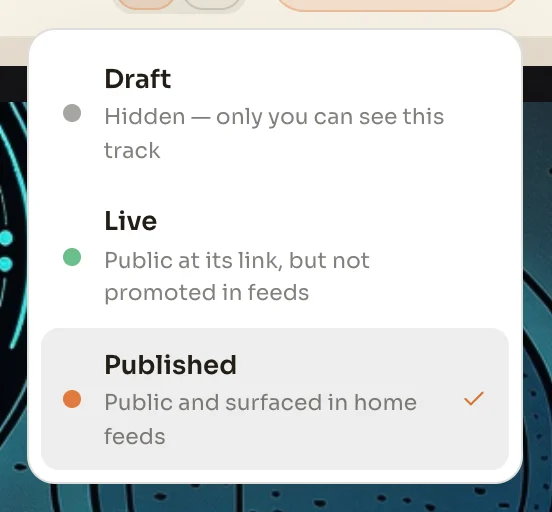
| Draft | Only you can see it. It has no public page. |
| Live | It has a public page, and anyone with the link can open it. It is not shown in feeds. |
| Published | It has a public page and it appears in the home feed. |
Live is the state to use when you want to send someone a link, or put a piece on your own site, without announcing it. Moving a piece from Published back to Live takes it out of the feed and leaves its page up. Moving it to Draft takes the page down.
Publishing a track
Tracks have two requirements the other kinds do not. A track needs audio before it can be Live or Published, and it needs a cover image before it can be Published. Feeds lead with the picture, so a track without one is left out of them.
Choosing Published on a track opens a short review first. It shows whether the audio, cover art and visibility are in place, and lists the details you have and have not filled in, such as BPM, key, credits and lyrics. Those details are optional. Publish finishes the job.
Posts and collections
Posts and collections use the same three states with no extra requirements. One difference from tracks: these two editors have a save button in the top bar, and it lights up when there are changes to save. The track editor saves as you work.
Your site is different
Your site has no status pill. The site editor keeps a working copy that only you see, and visitors keep seeing the last version you saved. Save in the site editor is what puts your changes in front of visitors. See Your site.
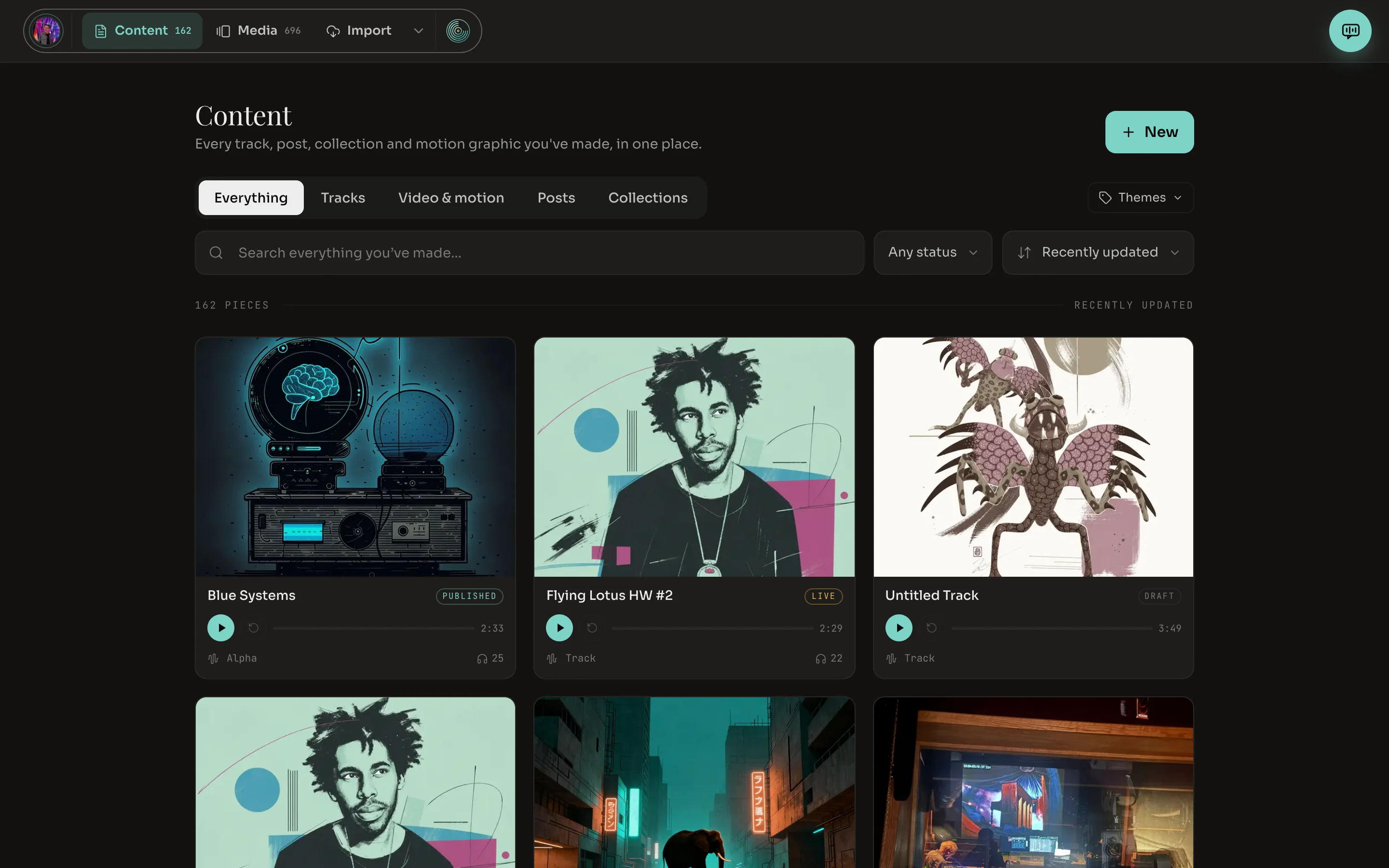
Finding things by state
Content in the dashboard lists every track, post, collection and motion graphic you have made, each tagged with its state. The Any status filter narrows the list to drafts, live pieces or published ones.